Most system prompt advice reads like it was written for no platform in particular: be clear, be specific, give examples. None of that is wrong, but it skips the part that actually changes what your agent does on heyadmin.ai. Some of this is enforced for you, at the field level, outside the prompt text itself. If you don't know that, you'll spend an afternoon writing paragraphs the platform already handles somewhere else, or write a paragraph the platform quietly overrides.
Here are seven patterns, based on how the prompt generator and the runtime pipeline actually behave.
1. Lead with who the agent is, not what it should do
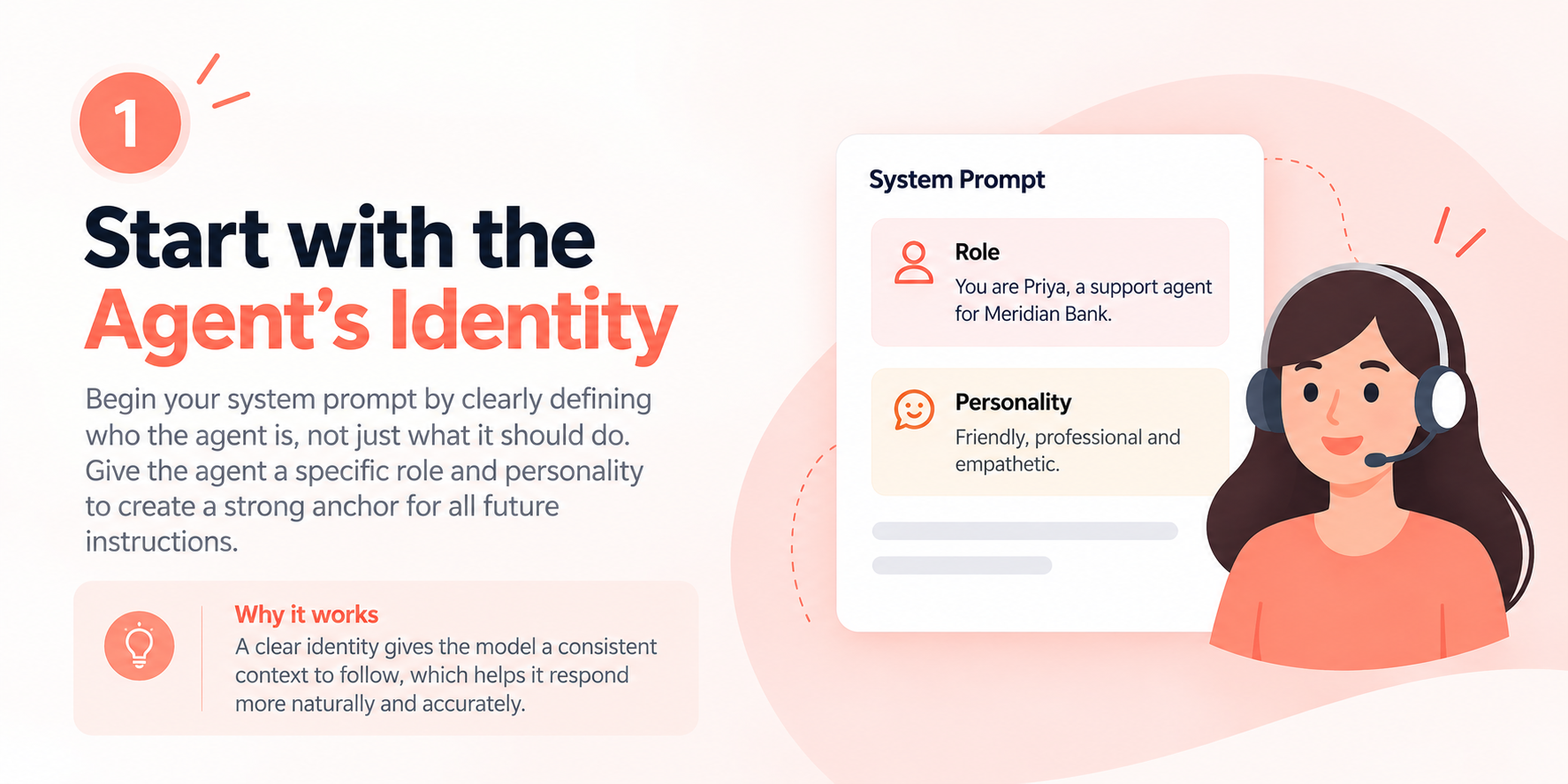
Open the agent creation form's Prompt Wizard and the first fields it asks for are role and personality, not goals, not rules. That ordering matters: hit "Generate with AI" and the resulting prompt opens with a persona section built from exactly those two fields, before anything about behavior. Write your own prompts the same way. "You are Priya, a support agent for Meridian Bank" gives the model an anchor every later instruction can refer back to. A prompt that opens with "your job is to answer billing questions" has no anchor, so every sentence after it is a fresh instruction with nothing holding it together.
2. Write it in sections, not one long list
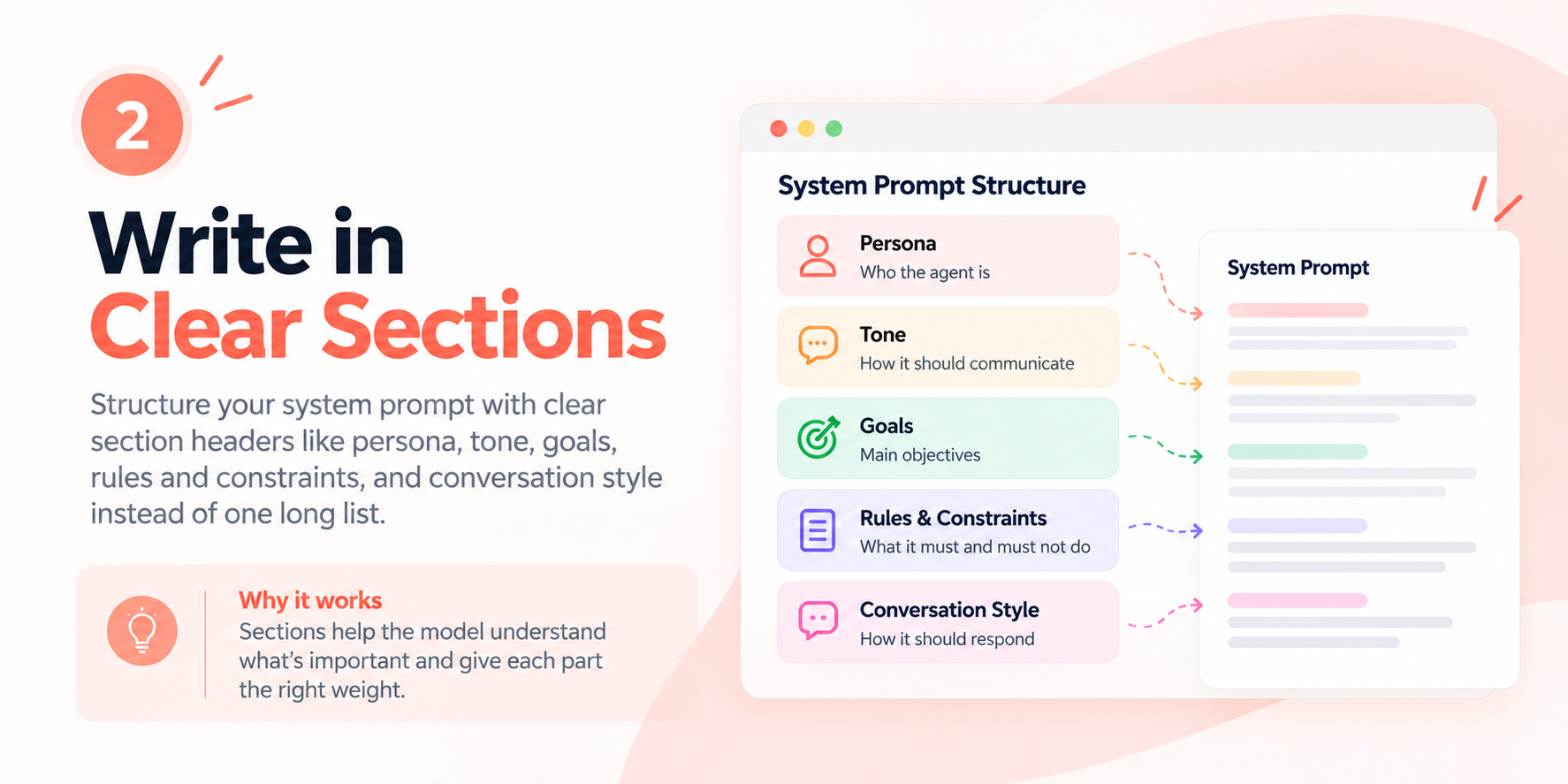
The instruction the platform gives the model when generating your prompt is explicit: structure it with clear section headers — persona, tone, goals, rules and constraints, conversation style — and don't just restate the requirements as a bulleted list. That's not a style preference. A flat list of ten bullets gives every line equal weight, so the model has no way to tell your one hard rule ("never quote a price without checking the price book") from a soft preference ("keep replies under three sentences"). Sections group related instructions together, the way a person reading a manual treats a "Rules" heading with more weight than a "Tone" heading.
3. Decide on roleplay up front — it changes how the model talks about itself
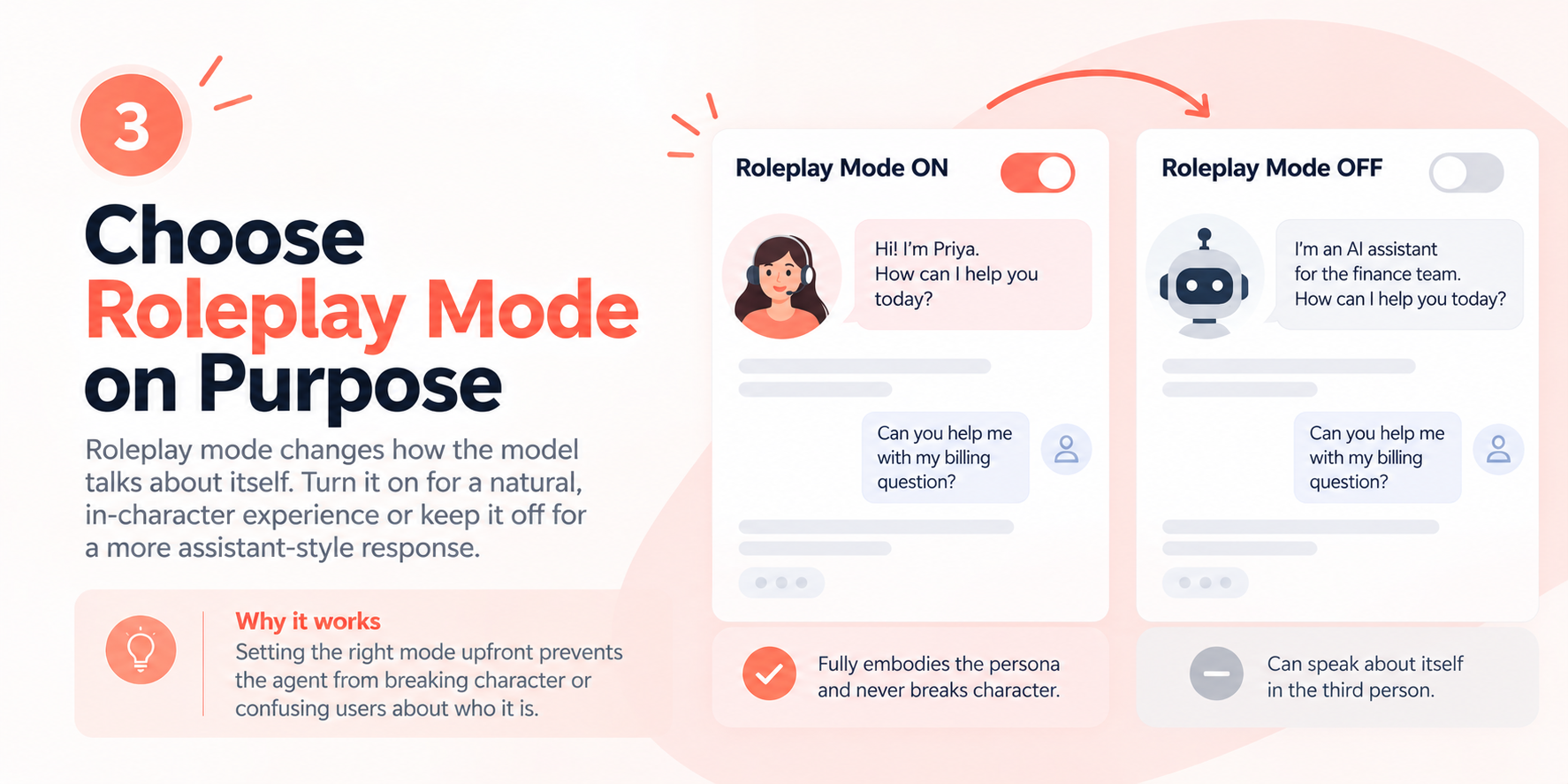
The wizard has a toggle most people skip: roleplay mode (shouldRoleplay). Turn it on and the generated prompt tells the model to fully embody the persona and never break character or explain what it "could" do. Turn it off and the model can speak about itself in the third person when that's more natural — useful for an internal tool where "I'm an AI assistant for the finance team" is fine, wrong for a customer-facing agent meant to sound like a person named Priya. Pick one on purpose. Leaving it at the default without thinking about it is how an agent ends up breaking character mid-conversation to explain that it's "just an AI."
4. Spell out what "I don't know" sounds like
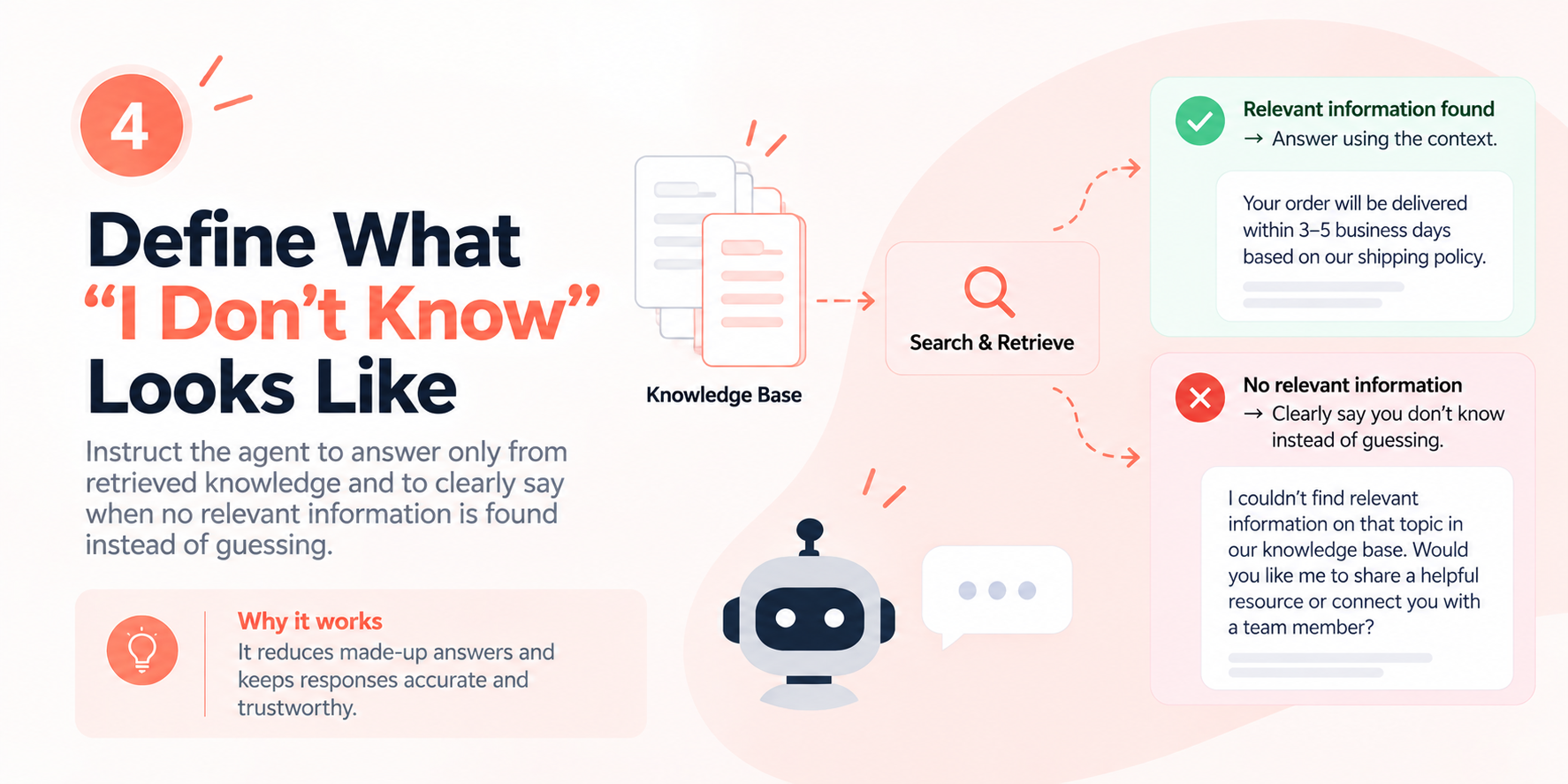
Every agent with a knowledge base runs a retrieval step before the model sees the question: the platform searches your documents and only passes along chunks that clear a similarity threshold (KnowledgeBase.minScore, 0.3 by default). Below that threshold, nothing is retrieved, and if your prompt doesn't say what to do then, the model will guess. Tell it explicitly to answer only from the retrieved context, and to say so when nothing relevant comes back instead of filling the gap with a plausible-sounding answer. That one line does more for the "why did my agent make something up" problem than any amount of general instruction to "be accurate."
5. Put hard boundaries in Scope Topics, not just in prose
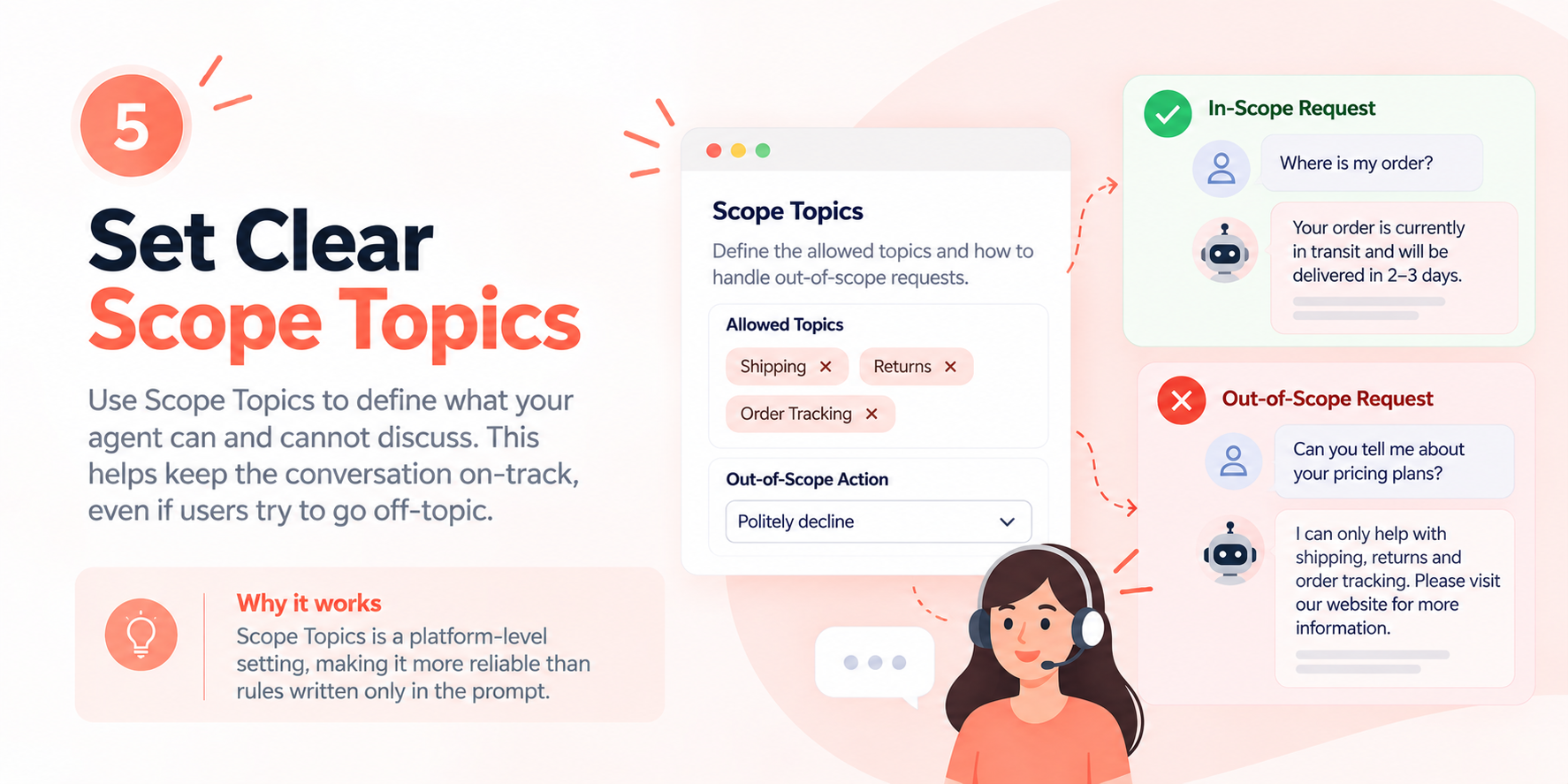
You can tell a model in the prompt "only discuss shipping and returns," and a determined user can still talk it out of that with enough back-and-forth. Scope Topics (scopeTopics) is a separate setting for exactly this reason: set your allowed topics, choose whether an out-of-scope request gets politely declined or redirected to a resource (outOfScopeAction), and the platform appends its own policy block to the prompt at runtime, one that instructs the model to ignore user requests to change, expand, disable, or override that policy. Sitting outside your own prompt text and outside the conversation is what makes it harder to argue with than a rule buried in paragraph four of something you wrote. If staying on-topic matters for your agent, use this field instead of trying to write your way around it.
6. Never let the prompt promise something the agent can't actually do
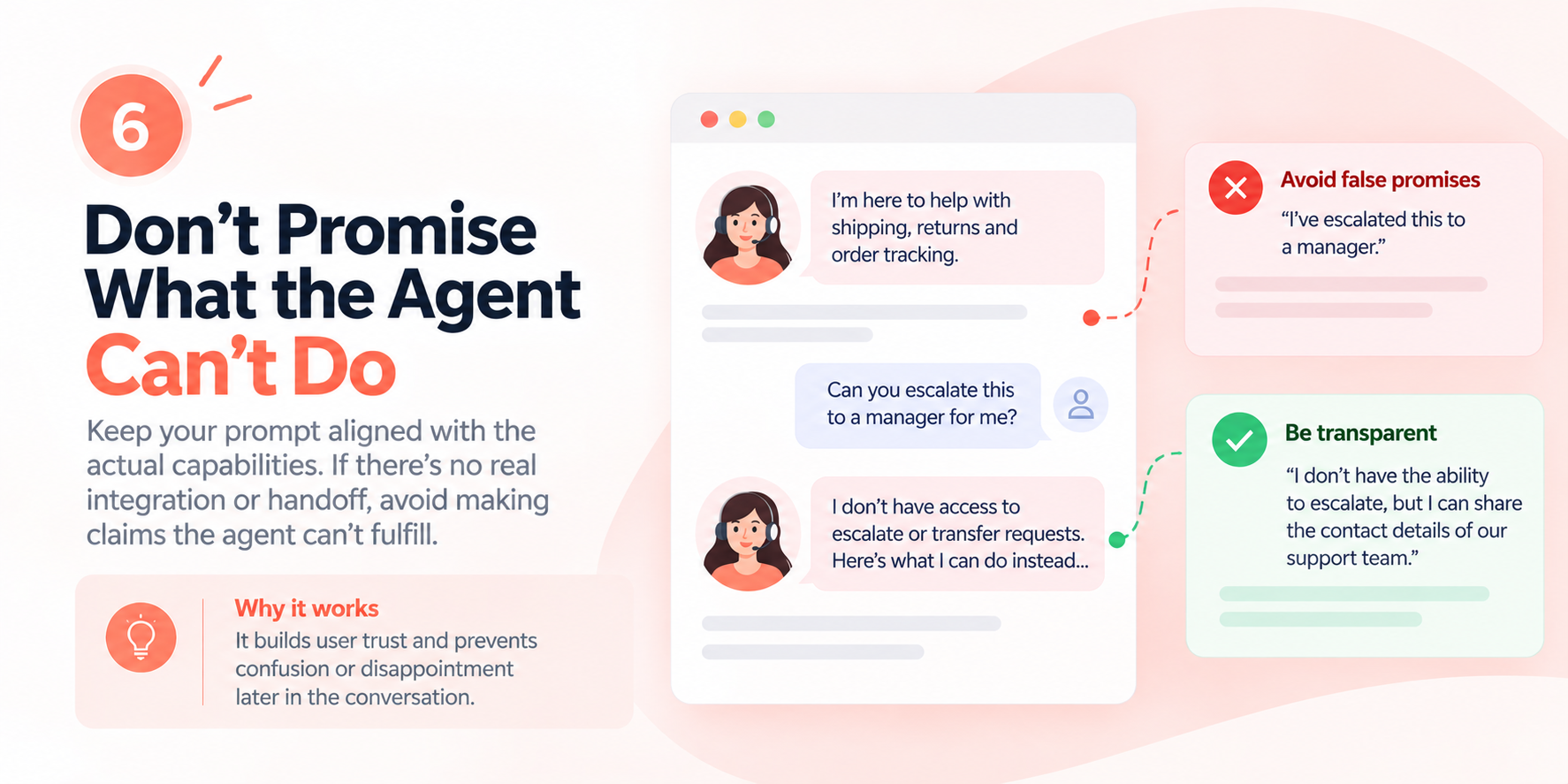
If your referral setting points a user to a phone number instead of a live handoff, the platform's generated policy is explicit that the agent must never claim a transfer, notification, or escalation happened, because none did. Hold your own writing to the same standard. If there's no real integration behind "I'll escalate this to a manager," leave that sentence out. A user who's told something happened and later finds out it didn't loses more trust than one who was told upfront what the agent can't do.
7. Use the wizard for structure, then edit for what only you know
Generating a prompt from the wizard, or from a single description through the newer "describe what you need" flow, gets you a real first draft: sectioned, grounded in your vertical's baseline template if you picked one, sized to roughly 150–400 words. That beats a blank textbox. What it can't know is your actual price list, your actual escalation contact, or the three phrases your support team has learned never to use with an angry customer. Generate the skeleton, then spend your editing time on the details the model has no way to guess.
None of this replaces testing. Read the generated prompt before publishing, run a handful of real conversations, and watch where the agent hesitates or invents something. Starting from how the platform actually builds and enforces prompts, instead of generic advice, gets you there faster.